Courier channels and locations
Two short lists that other screens lean on: courier channels group your drivers, and locations say where you operate from.
Courier channels
Section titled “Courier channels”A channel is a grouping of drivers — by area, or by the kind of work they do. Channels appear wherever drivers are organised: the dispatch views, the driver panel, and driver messaging.
- Go to .
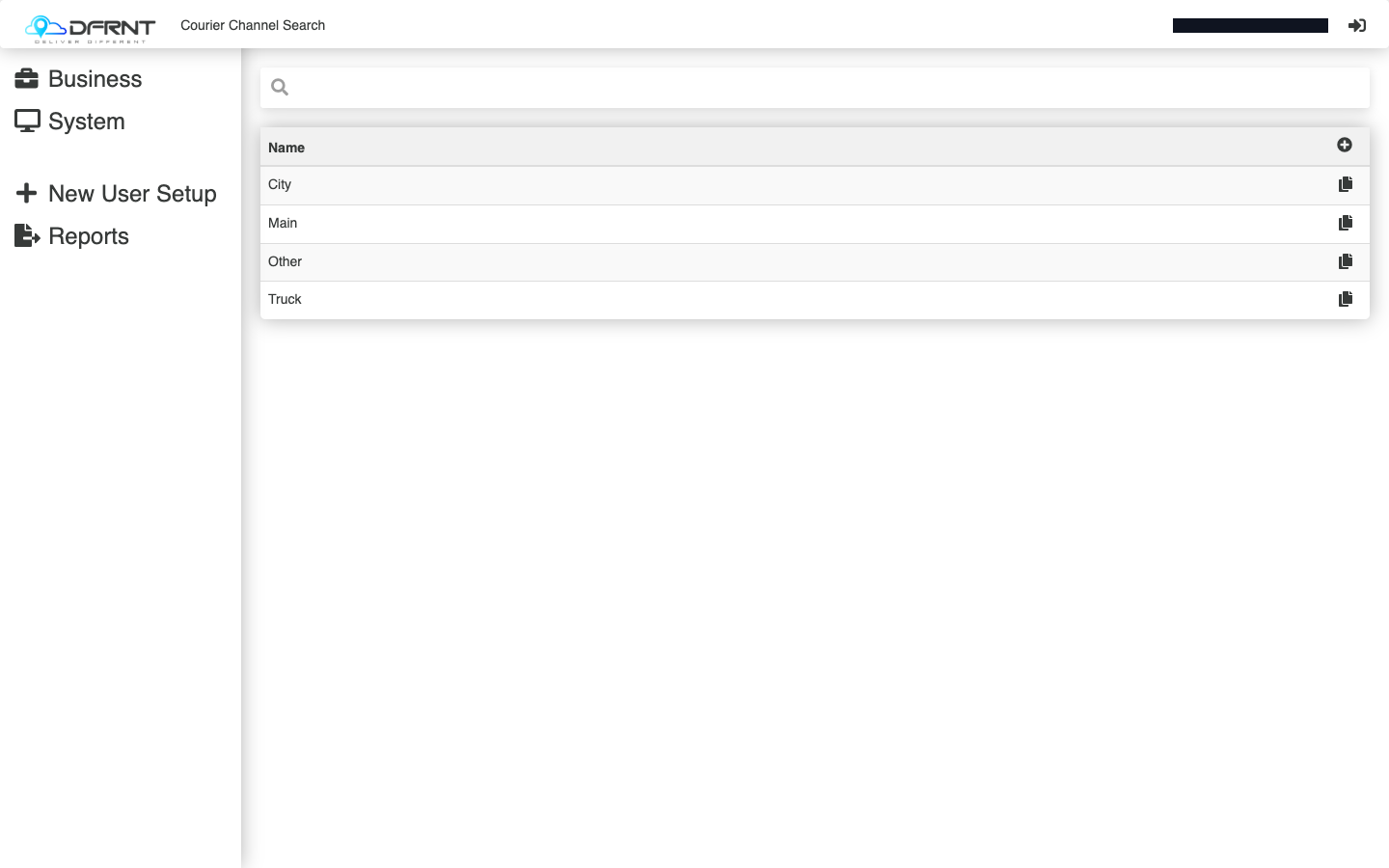
- Click a channel to change it, or use the + control to add one. The per-row copy control starts a new channel from an existing one.
- A channel record has two fields — Name and Notes. Fill them in and press SAVE.
That really is the whole record. What a channel does comes from the screens that reference it, not from anything stored here.
Locations
Section titled “Locations”A location is a place you operate from — a depot, a branch, an airport office.
- Go to .
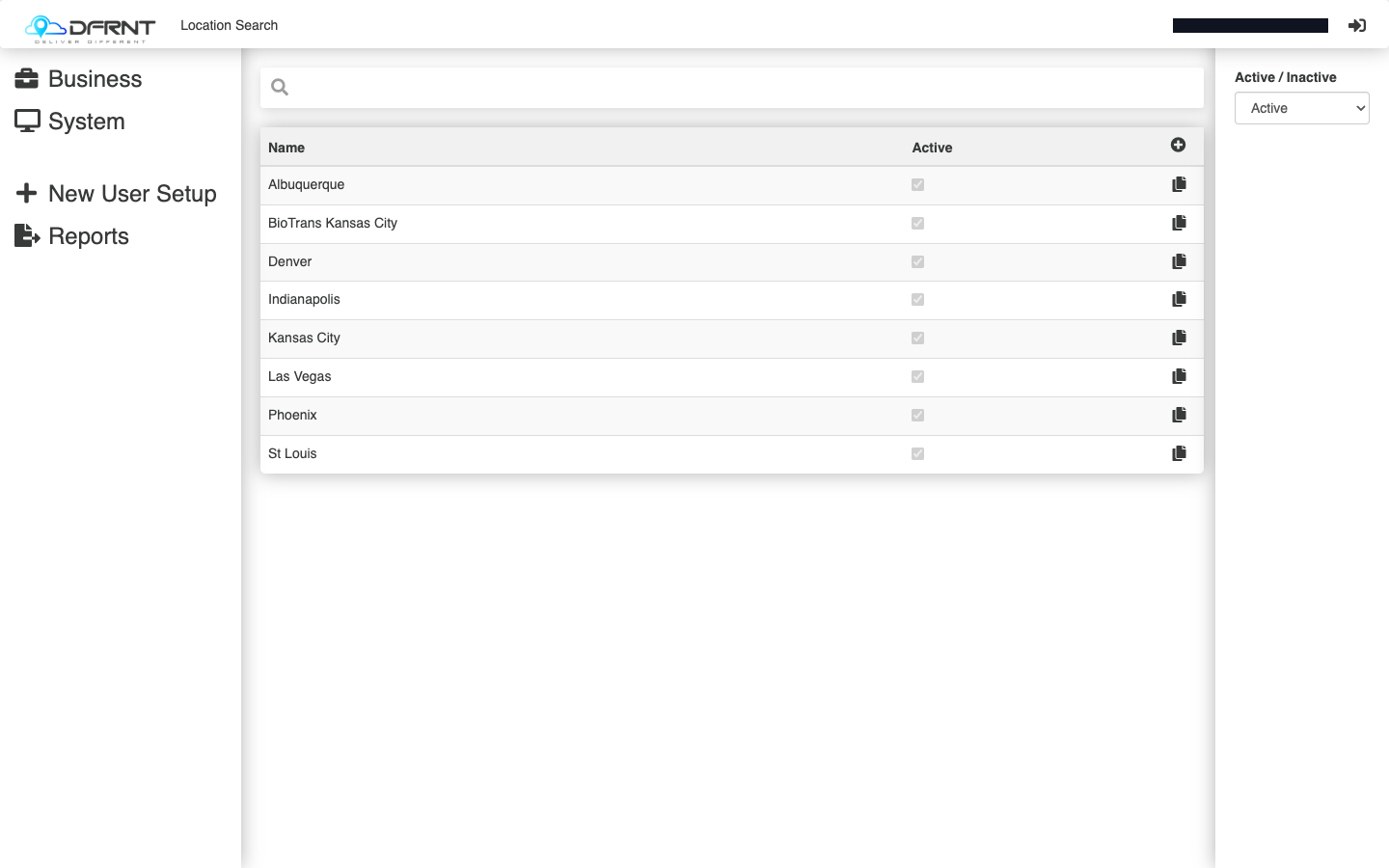
- Click a location to open it. The list shows Name and Active, with an Active / Inactive / Both filter above it — set it to Both if you are looking for something retired.
- The record’s General tab holds:
- Name — how the location appears in other screens.
- From Company — the trading name at that site.
- From Address, From City, From State, From Zipcode — the address, with a GPS link that shows the pin on a map.
- Active — whether it is in use.
- Press SAVE.
Good to know
Section titled “Good to know”Both lists are referenced by other screens rather than doing much on their own, so the safest way to change one is to rename rather than delete — anything already pointing at a channel or location keeps pointing at it.
Locations sit inside Location Management, which also holds the geography screens: areas and area groups, sites, suburbs, zones and zone groups, zip codes and zip polygons, drop-off and pickup/delivery locations, driver location lists, and excluded postcodes. Those are separate topics and are not covered here.
If something goes wrong
Section titled “If something goes wrong”A location you expect is missing from the list. Set the filter to Both — it may be marked inactive.
A channel is not offered where you expect it. It exists here but the screen that should offer it may filter channels differently; check that screen rather than this one.
Related
Section titled “Related”Internal: how this page was verified draft
- Checked by
- kenneth on 2026-09-24
- How
- ui-walkthrough
- Where
- staging · dfrnt-shared · logged in as internal-staff
- Against
- ui: re-walked 2026-09-24 on the baseline (DFRNT shared staging — DFRNT organisation confirmed in the org switcher; internal-staff session; read-only) — Courier Channel Search (Name column, add, per-row copy) and Location Search (Name, Active, Active/Inactive filter) match; a location record shows Name, From Company, From Address, From City, From State, From Zipcode, GPS (View), Active on General / Drop Off Locations / Edited tabs
- ui: Admin Manager > System > Vehicle Management > Courier Channels, walked 2026-09-01 — search screen has a single Name column with an add control and per-row copy; a record was opened and holds only Name and Notes, on General / Edited tabs
- ui: Admin Manager > System > Location Management > Locations, walked 2026-09-01 — the screen is titled 'Location Search', with Name and Active columns and an Active/Inactive/Both filter
- ui: a location record, opened 2026-09-01 — page title reads 'Location - <name>'; fields Name, From Company, From Address, From City, From State, From Zipcode, GPS (View), Active; tabs General / Drop Off Locations / Edited
- ui: the Location Management group also holds Area Groups, Areas, Driver Location Lists, Drop Off Locations, Pickup Delivery Locations, Regional Excluded Postcodes, Sites, Suburbs, Zip Codes, Zip Polygons, Zone Groups and Zones, read on the group screen 2026-09-01
- Likely to change
- high — Both screens are simple and settled in themselves, but they are reached through the older menus, which are being phased out — the paths on this page are expected to move.
- Re-check by
- 2026-10-15
- Config-dependent
- 2 item(s) called out on this page
- Open questions
- What a courier channel actually drives — the record holds only a name and notes, so the behaviour lives wherever channels are referenced (dispatch views, the driver panel, driver messaging). Trace one channel through those screens before describing its effect.
- How a location differs from a Site, and from a Depot — the route behind this screen is named for depots while the screen says Location, and Site appears as a separate field on other records.
- What the Drop Off Locations tab on a location record contains — it was seen, not opened.
- Whether From Company is what appears to drivers at a shared or cross-docked site.
- Create and save were not exercised (read-only walk).